Proxy Tunnel Setup
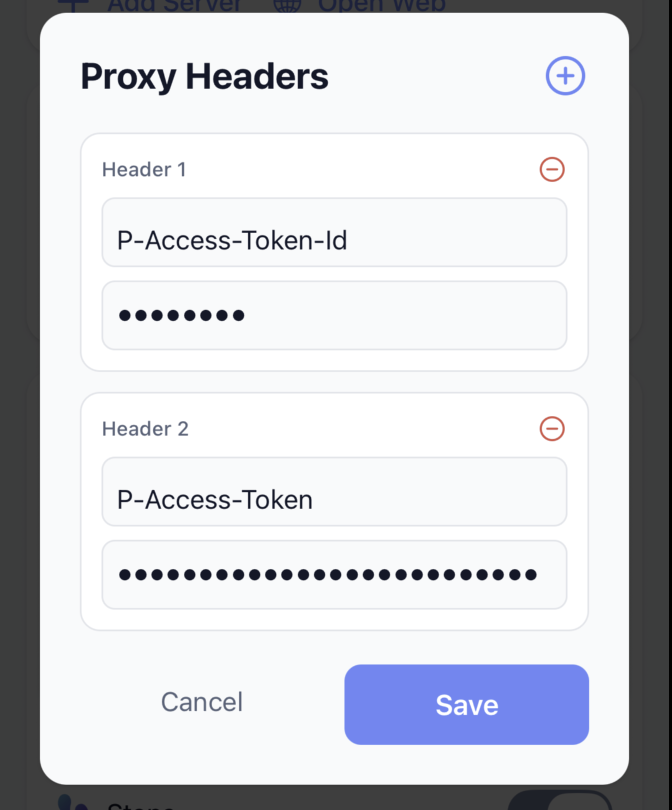
If you use a proxy tunnel such as Cloudflare or Pangolin, you will need to configure the app to send a special header.
Pangolin
- Open your Pangolin dashboard click "Links" in the sidebar
- Click Create Share Link
- Choose your resource, enter a title, and an expiration date. Click Create Link
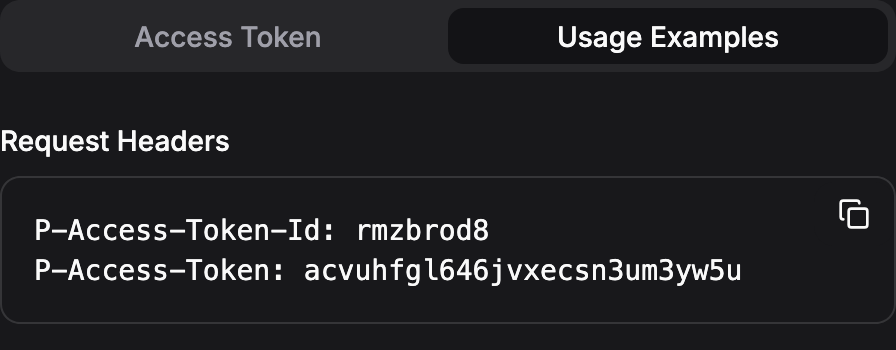
- Underneath the QR code, click "Usage Examples" to see how your token will be sent as a header. Copy this down.
- In the Sparky Fitness app, navigate to the settings screen
- Click on your server to edit it or add a new server.
- Enter in the header information that you copied from the Pangolin dashboard. You may need to click the + button to add another field.